With Tap to Pay on iPhone and the Nexxtap app, you can accept all types of in-person, contactless payments on your iPhone — from physical debit and credit cards to Apple Pay and other digital wallets — no extra terminals or hardware needed. It's easy, secure and private.
With Tap to Pay on iPhone and the Nexxtap app, you can accept all types of in-person, contactless payments on your iPhone — from physical debit and credit cards to Apple Pay and other digital wallets — no extra terminals or hardware needed. It's easy, secure and private.
Whether you're taking payments at a market stall, doing a home delivery, or checking out a customer away from the counter, your iPhone handles it. Tap to Pay on iPhone means your business goes wherever you do.
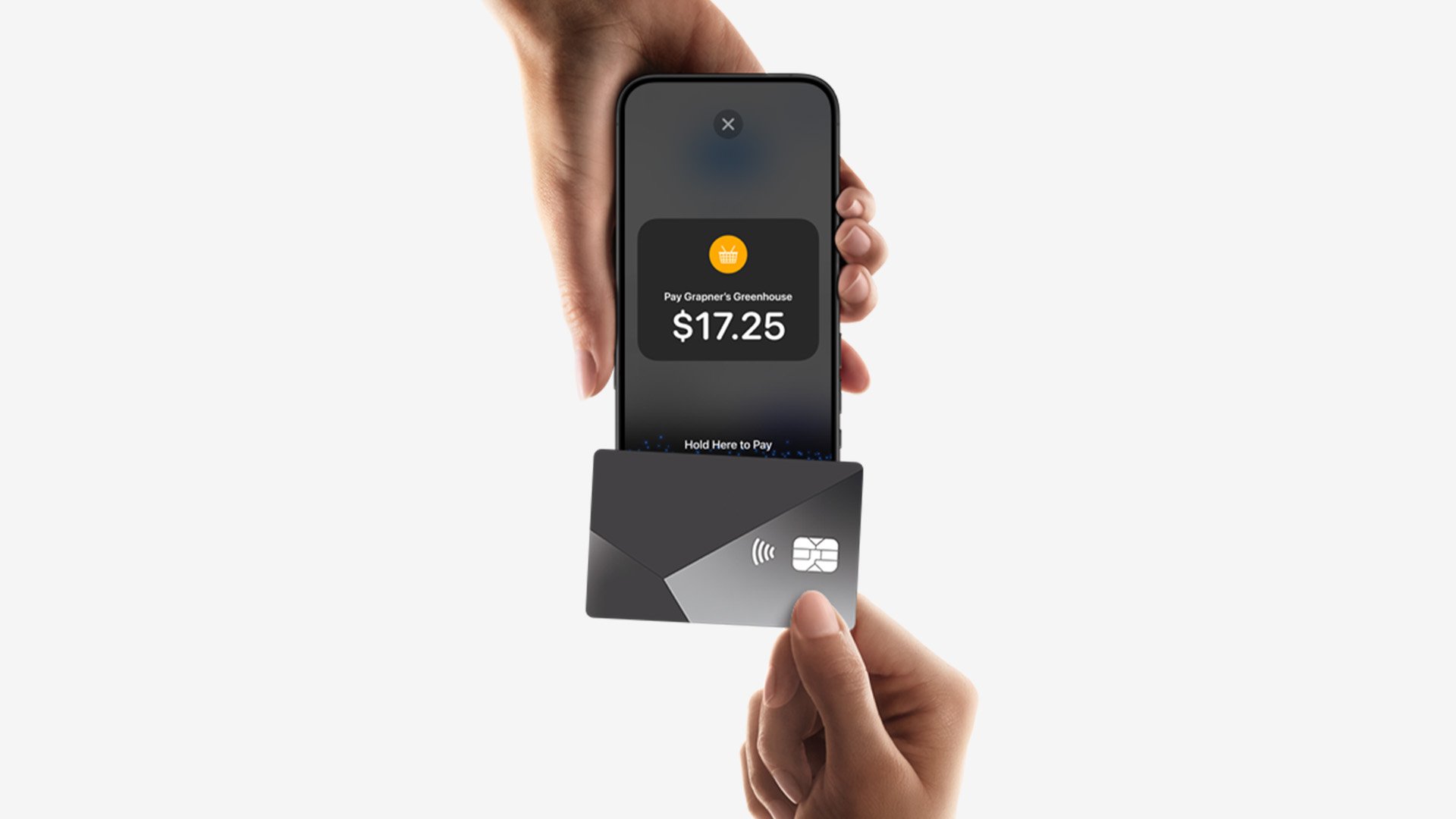
Think about what that looks like in practice. A plumber who finishes a job and gets paid on the spot with no invoice chasing, no waiting three days for a bank transfer. A gardener who collects payment at the end of a visit without needing to carry a terminal. A personal trainer who gets paid poolside, at the park, or wherever the session happens to be. For mobile and field service businesses, getting paid used to mean extra equipment or extra admin. Now it means tapping an iPhone.
It's not just for mobile operators either. Retailers can use it to bust queues by taking payments anywhere on the shop floor. A hospitality business that takes payment at the table, at the door, or wherever the customer happens to be.
For businesses, cash flow is everything. With Nexxtap, funds from every transaction are cleared into your nominated bank account the next business day. No waiting on weekly settlements or chasing outstanding invoices. You get paid, and the money is in your account the next morning. And with no monthly fees, no upfront costs, and a low transaction rate, there's nothing standing between you and getting started.
How it works
The technology behind it is NFC — the same Near Field Communication used when you tap your card or phone at any contactless terminal in Australia. At check-out, you open the Nexxtap app, enter the amount, and present your iPhone to the customer. They hold their card, iPhone, Apple Watch, or other digital wallet near your device, and the payment is done. The whole process takes seconds.
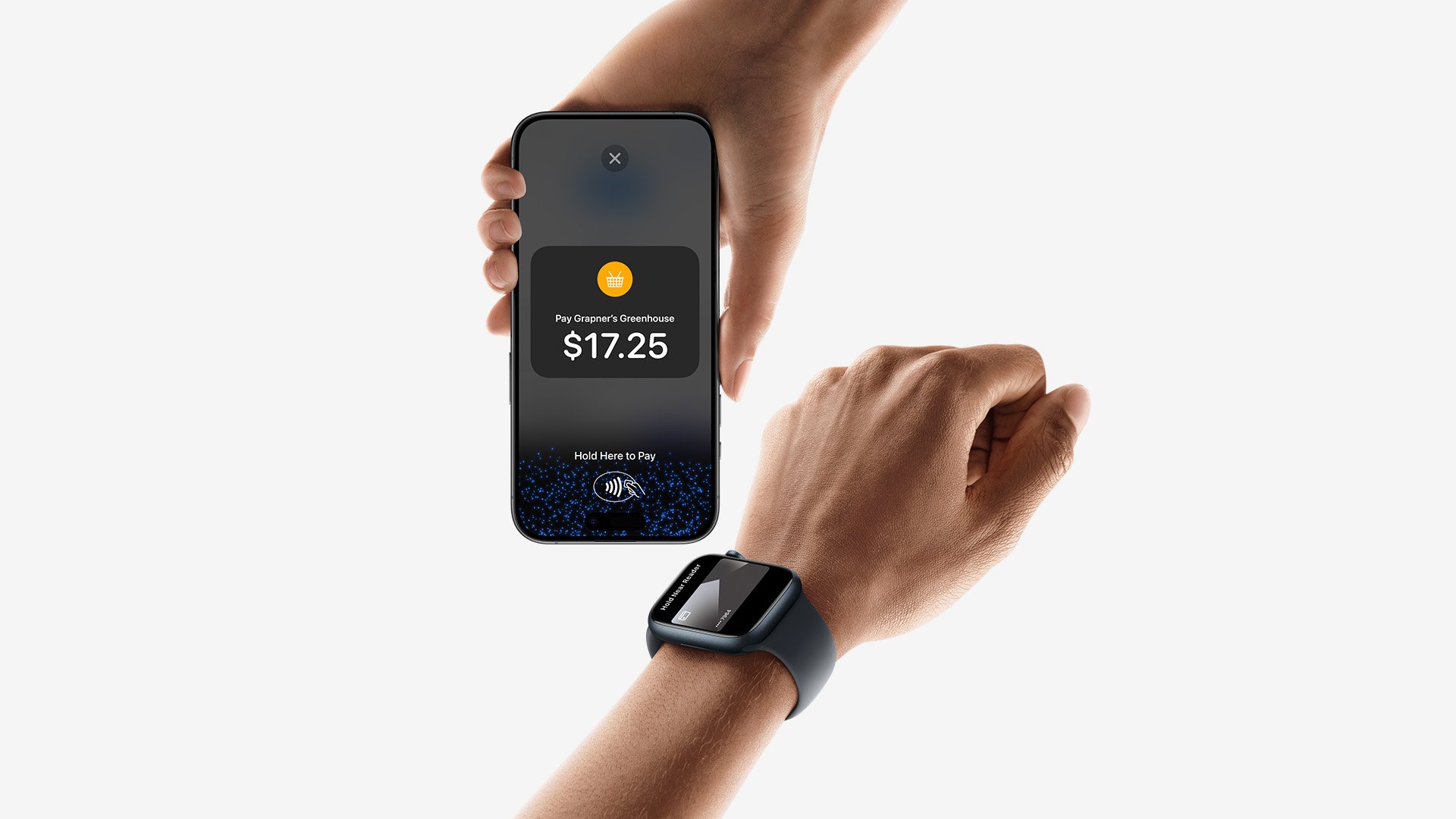
Private and secure by design
Tap to Pay on iPhone uses the built-in security features of iPhone to help protect the data of both your business and your customers. When a payment is processed, Apple doesn't store card numbers on the device or on Apple servers. PIN entry is supported and, when that screen appears, Tap to Pay on iPhone is designed to prevent apps in the background from reading sensors that could give away any part of the PIN. For customers who need visual or other assistance, accessibility options are built in to help them securely enter their PIN.
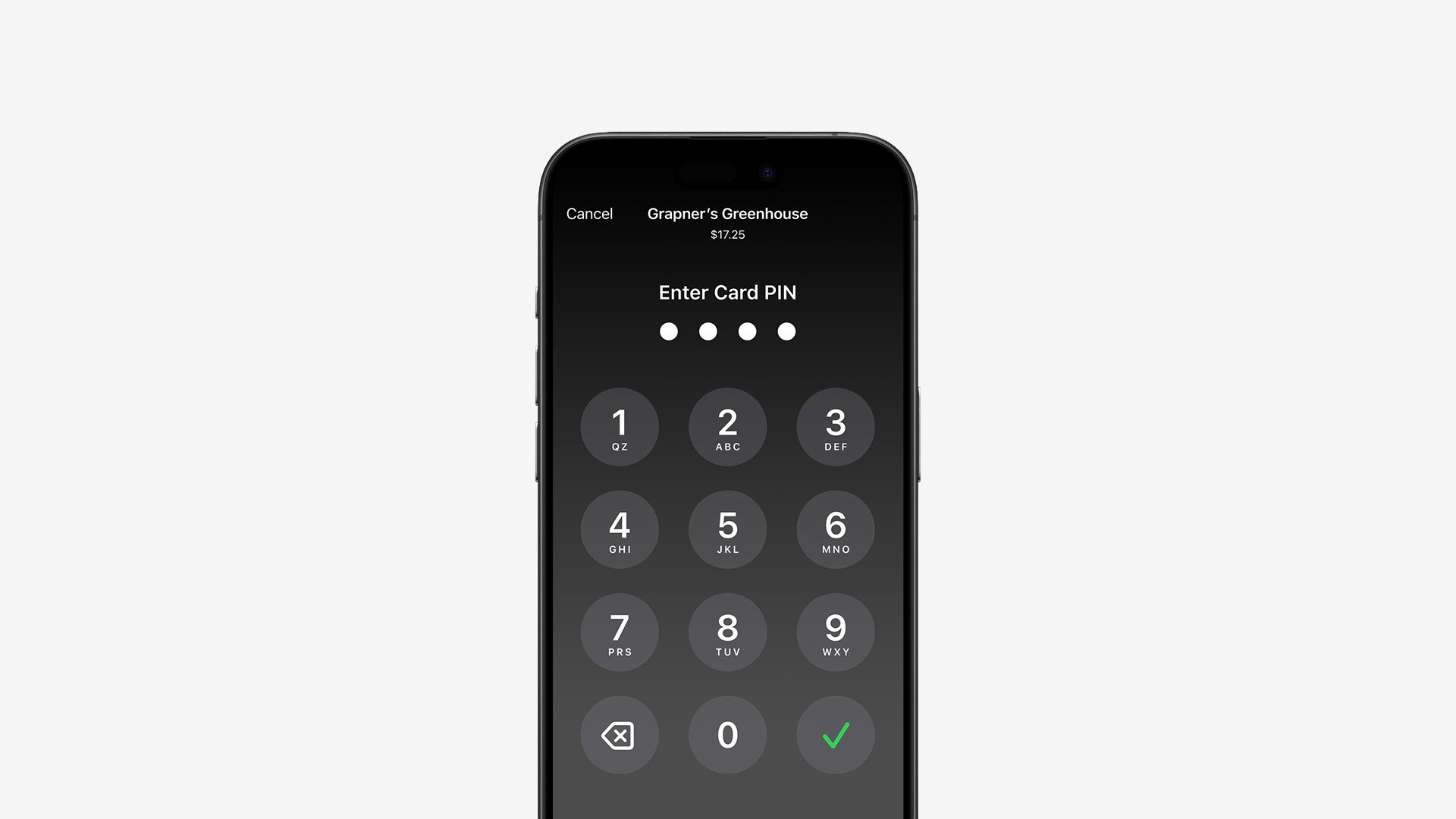
What you need to get started
You'll need an iPhone XS or later running the latest version of iOS. That's it. No extra hardware, no separate app, no branch visit. Download the Nexxtap app, sign up, activate your device and you're accepting contactless payments on iPhone.
Tap to Pay on iPhone requires a supported payment app and the latest version of iOS. Update to the latest version by going to Settings > General > Software Update. Tap Download and Install. Some contactless cards may not be accepted by your payment app. Transaction limits may apply. The Contactless Symbol is a trademark owned by and used with permission of EMVCo, LLC. Tap to Pay on iPhone is not available in all markets. For Tap to Pay on iPhone countries and regions, see developer.apple.com/tap-to-pay/regions.